
STEP BY STEP
Internet Society membership guide
An illustrated guide to creating an individual Internet Society membership and applying to join the Yemen Chapter.
Before you start
Use an email account you can access, create a strong password, and never share your verification code. These images come from the supplied guide and the interface may change over time.
Step 1
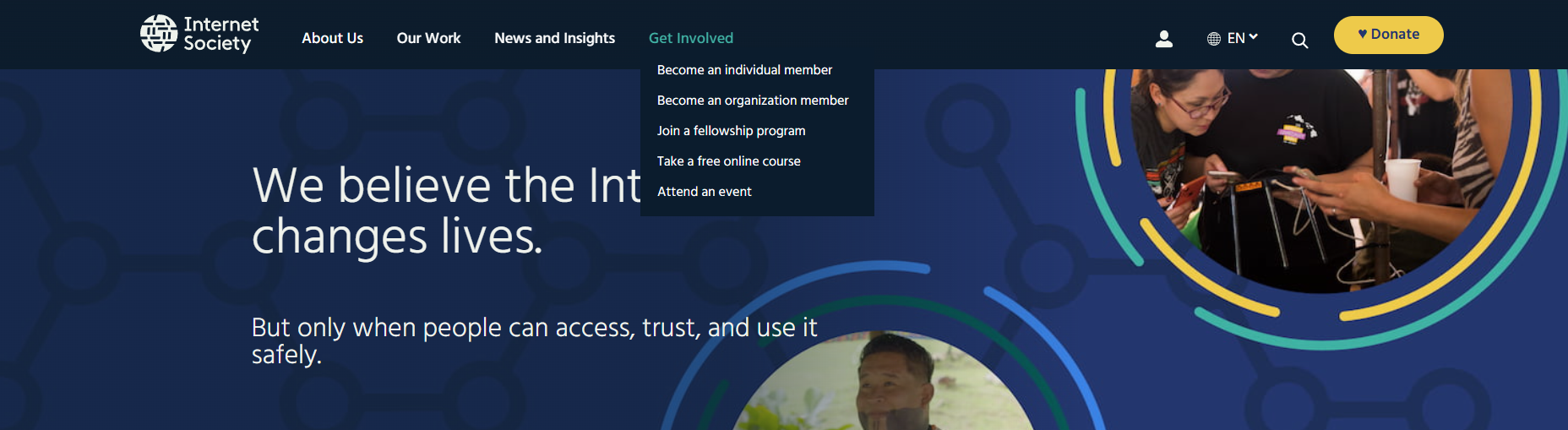
Open the Internet Society website, choose Get Involved, then Become an Individual Member, and select Become a Member.

Step 2
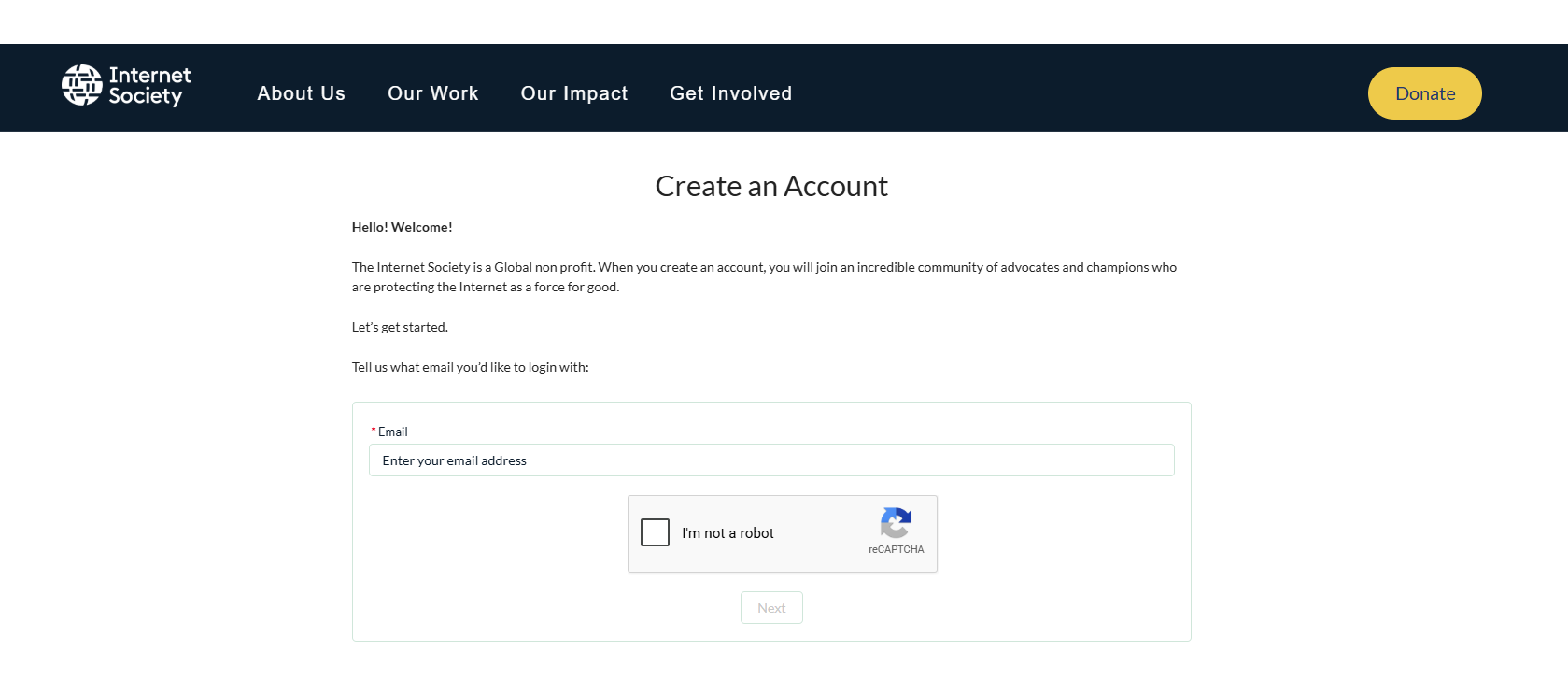
Enter your email address, complete the anti-robot check, then select Next.
Step 3
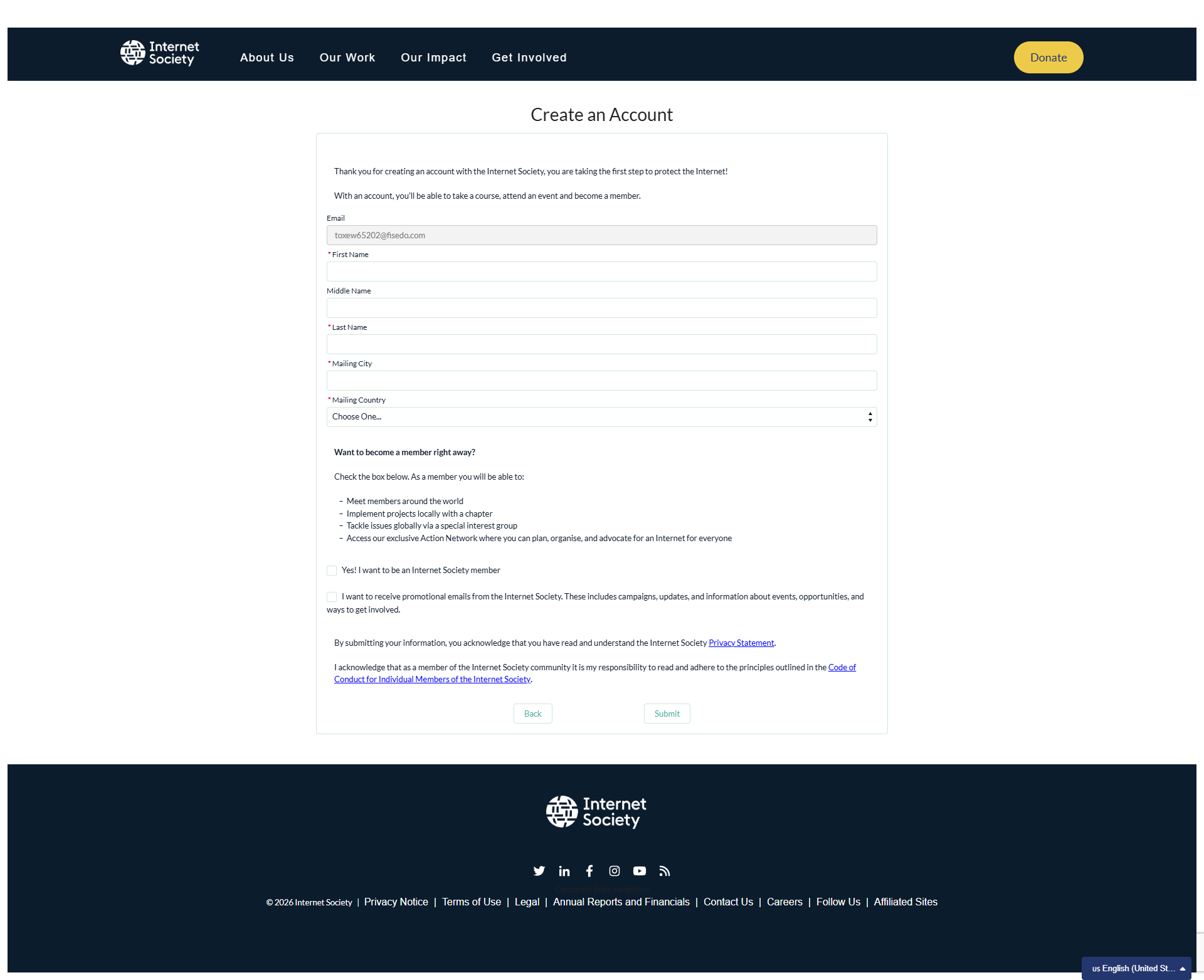
Complete the account form with your name, city and country. Select the membership option and review the privacy statement and code of conduct before submitting.
Step 4
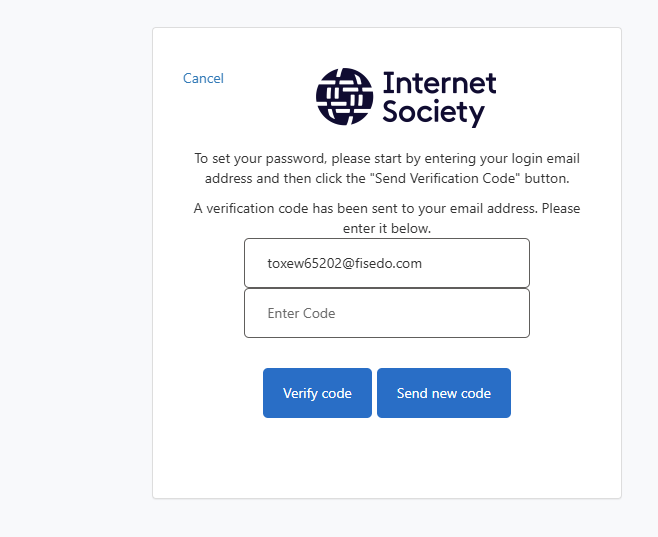
Open the verification email, copy the code into Enter Code, then select Verify Code.
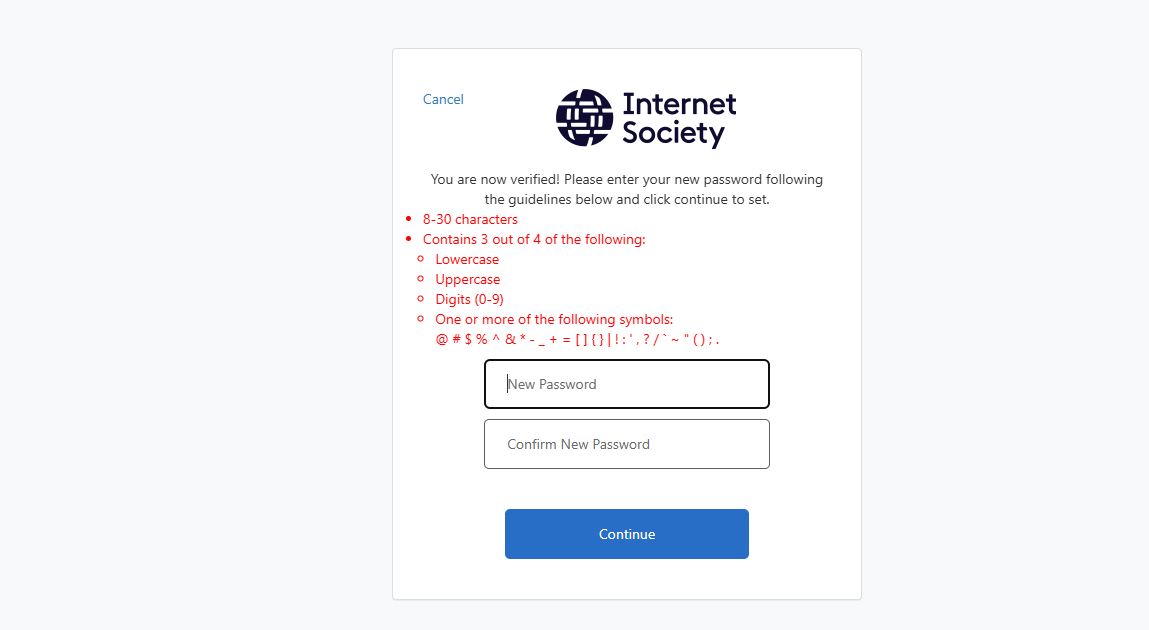
Step 5
Create and confirm a password that meets the displayed requirements, then select Continue.
Step 6
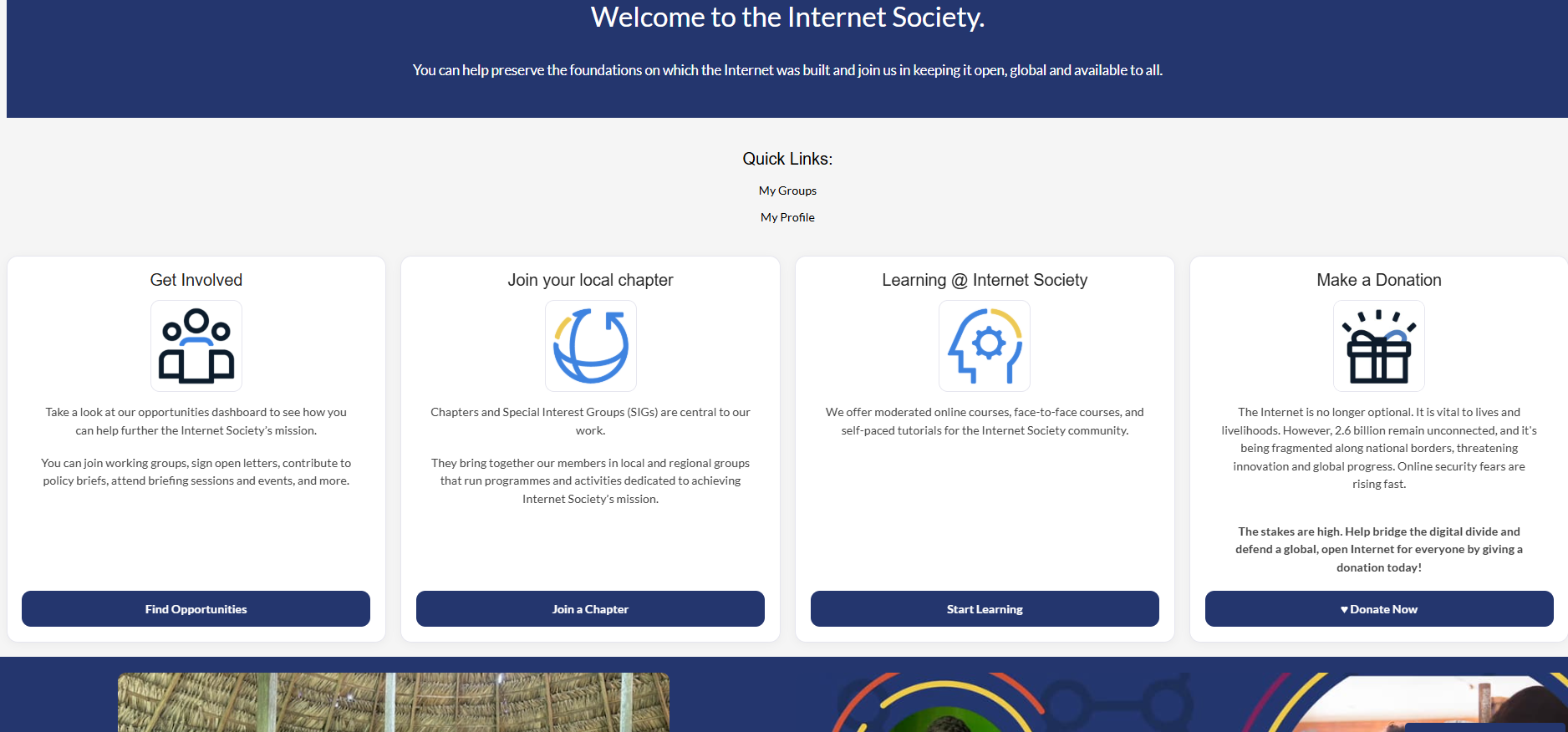
After signing in, open the opportunities dashboard and choose Join a Chapter.
Step 7
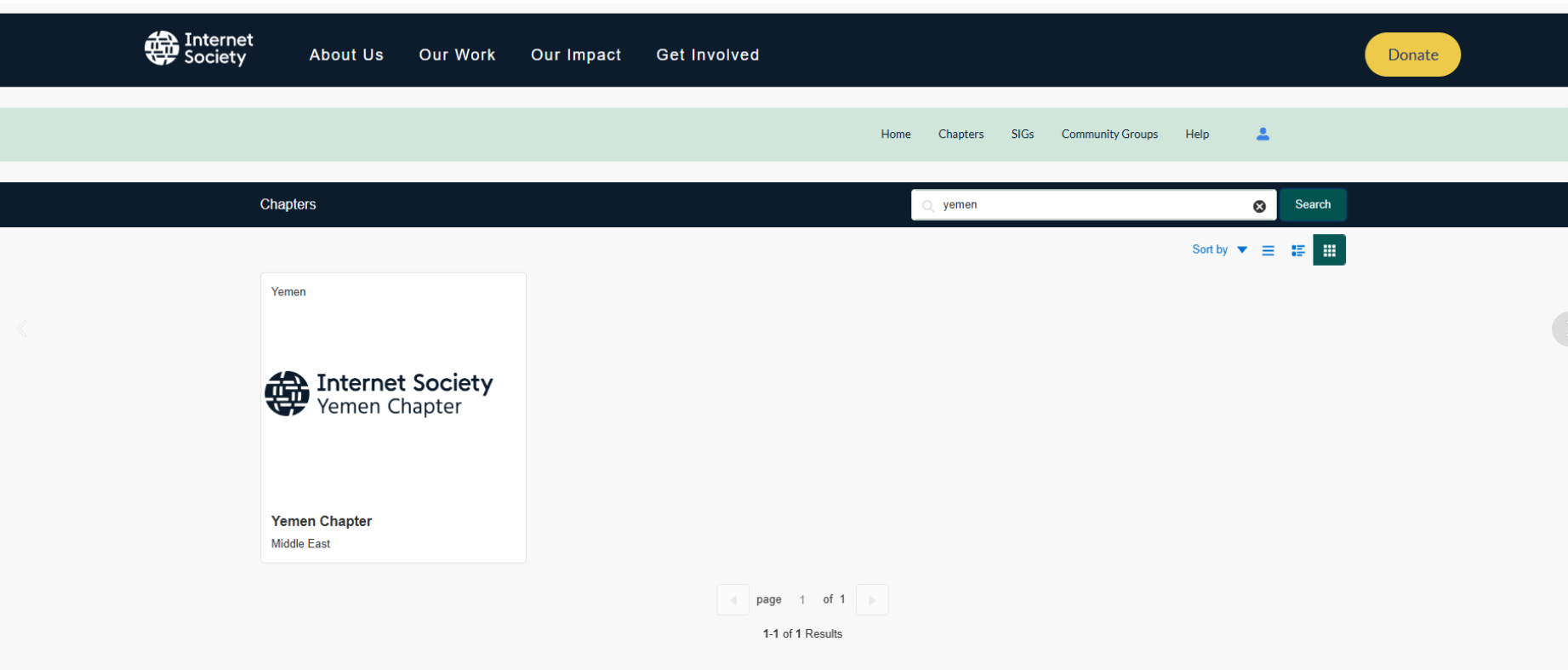
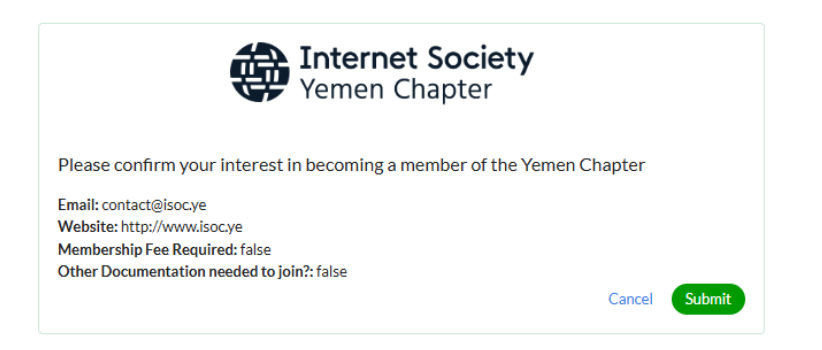
Search for Internet Society Yemen Chapter, select Apply, review the confirmation window, then select Submit.
Step 8
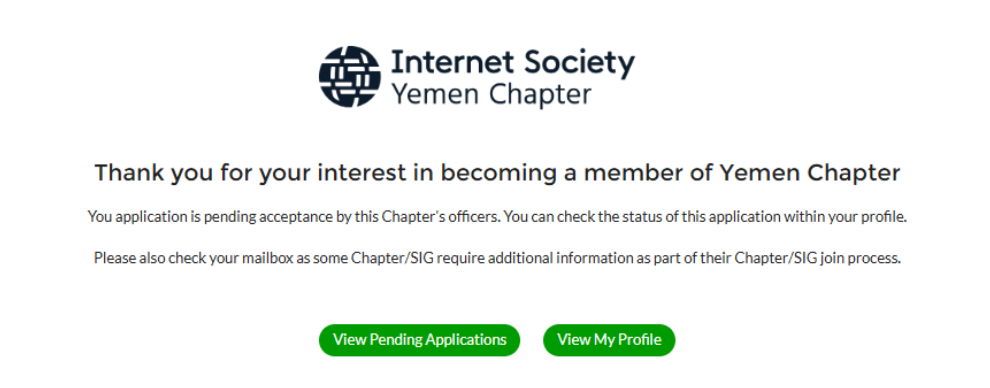
A confirmation will show that chapter officers are reviewing your application. Track it in your profile and watch your email for requests for more information.
After submitting
Keep your login details to track your application and access community events and courses. Your chapter application remains pending until chapter officers approve it.